 Qualitest
Open-source API automation · flow canvas · Cursor MCP
Qualitest 质衡
After you change code, write and run flows in Cursor
Import APIs → write a test flow → run it → fix failures in chat. Or use the full Web debugger and canvas; ingest via IntelliJ or MCP (any stack).
5-minute Quick Start
Clone the main repo and bring the stack up with Compose. Open http://localhost , sign in as admin / admin123 . For production, change the default password and token.secret .
PS> scripts\quick-start.bat$ chmod +x scripts/quick-start.sh && ./scripts/quick-start.shFor the demo target, see qualitest-demo-mall ; deployment details in docs/deploy.en.md .
Closed loop in one project
Where APIs come from, how you debug them, how you chain them, and who helps design — without juggling tools.
- 01 API ingest
IntelliJ plugin (Java) or MCP import_apis (any stack)
- 02 API debugger
Multi-env switching and auth injection in-project
- 03 Test flows
Canvas nodes for login, business steps, and asserts
- 04 AI Diff
Edit flows in natural language; preview Diff before merge
- 05 MCP
Write=build the flow · run=hit Run; fewer hops for backend and frontend
-
API debugger 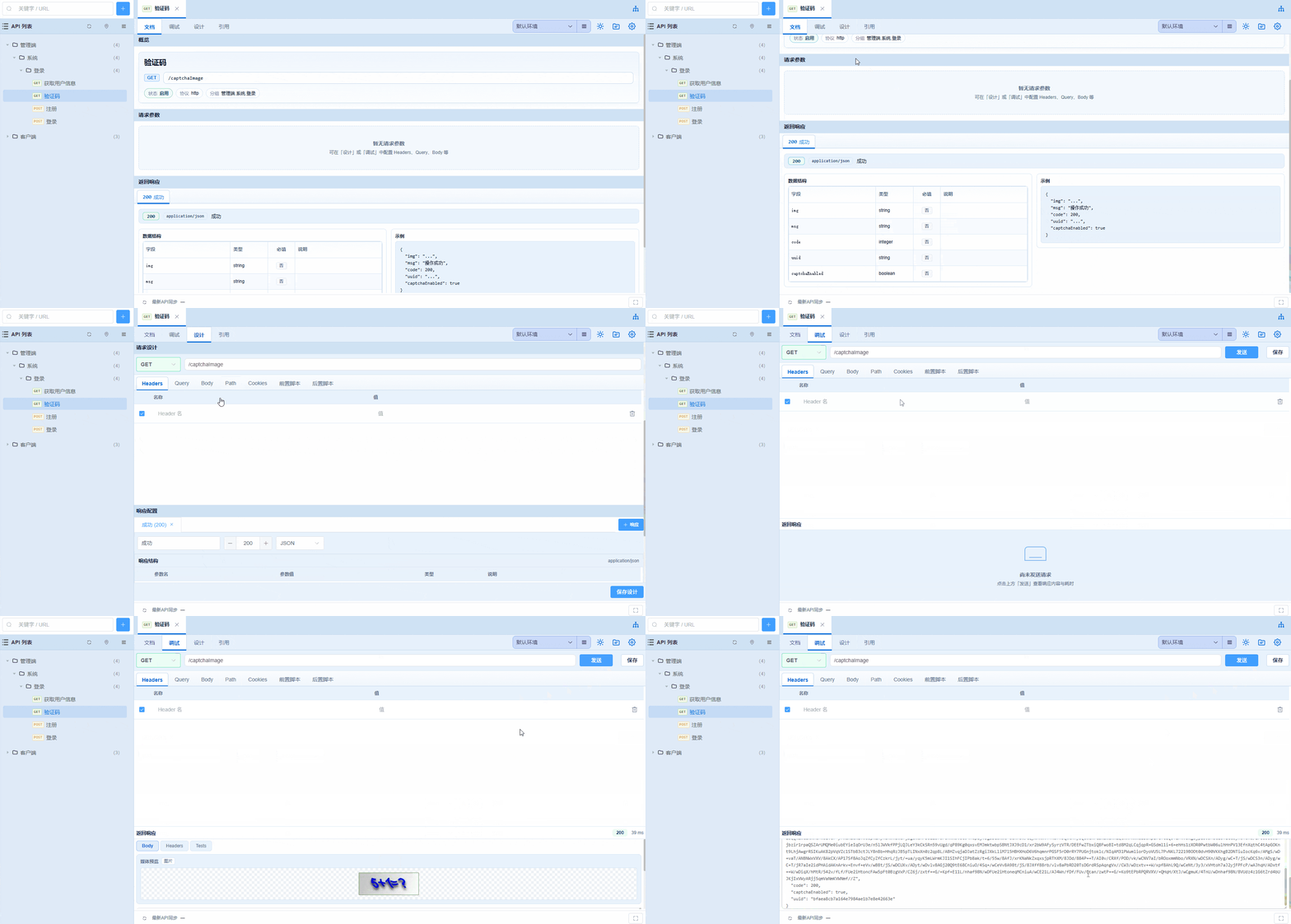
-
Test flows 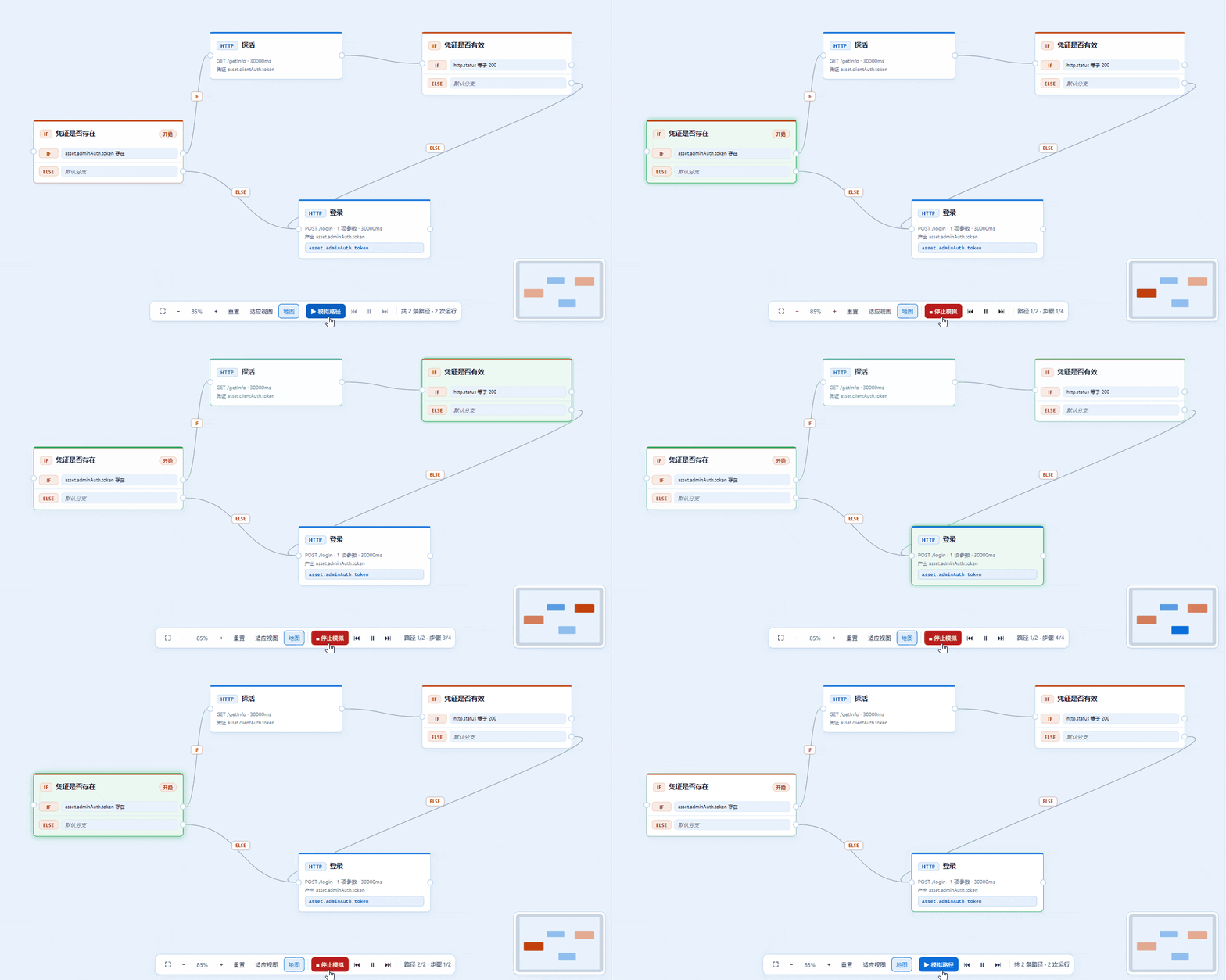
-
AI Diff 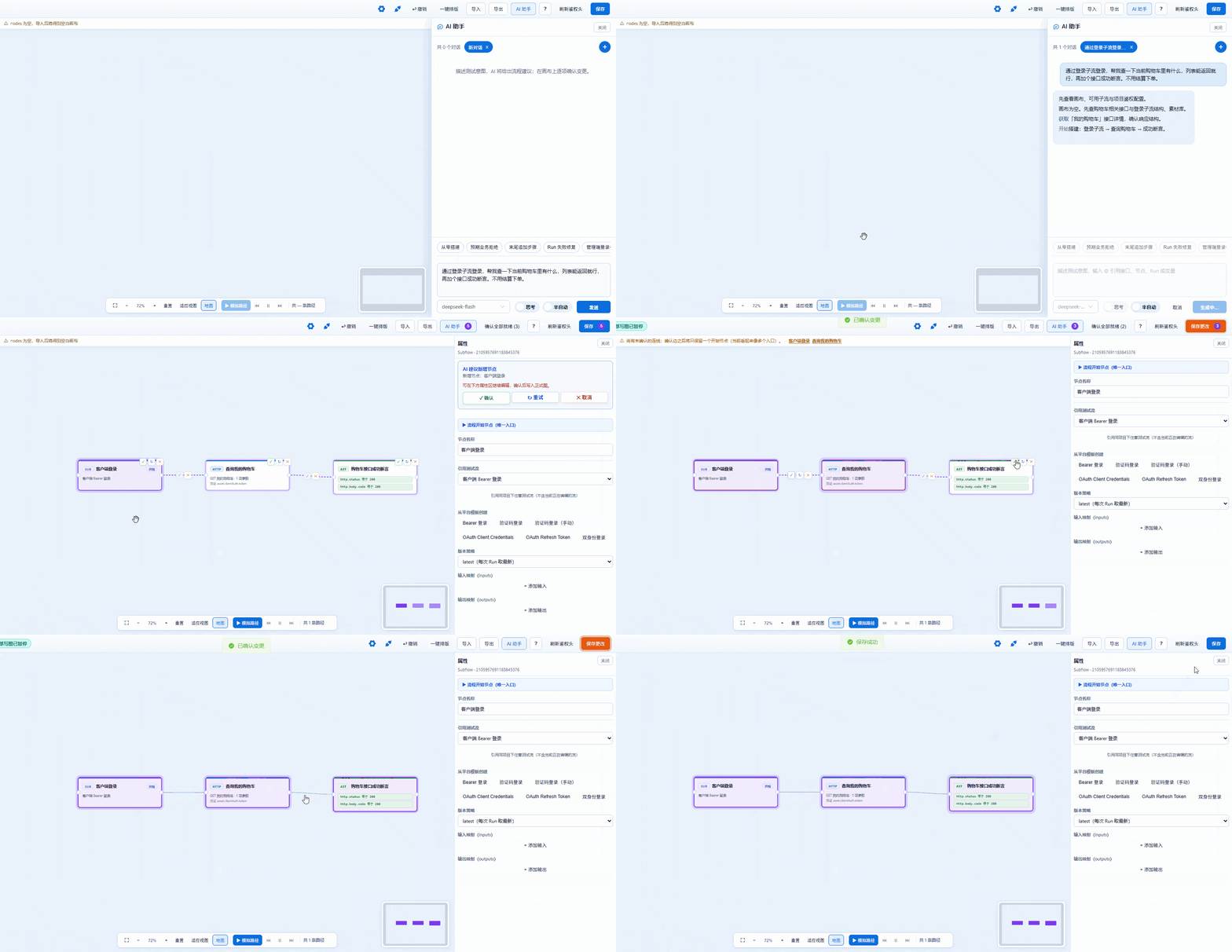
MCP · Build and run flows in Cursor after you change code
Write = build the test flow; run = hit Run. Read-only by default; with gates on, create-then-verify in one chat. Backend & frontend scenarios: docs/mcp.en.md .
-
Write
Cursor builds / edits the canvas; successful submit persists. Open Web canvas syncs over SSE. Backend authors the chain after an API change; frontend mirrors the page path first.
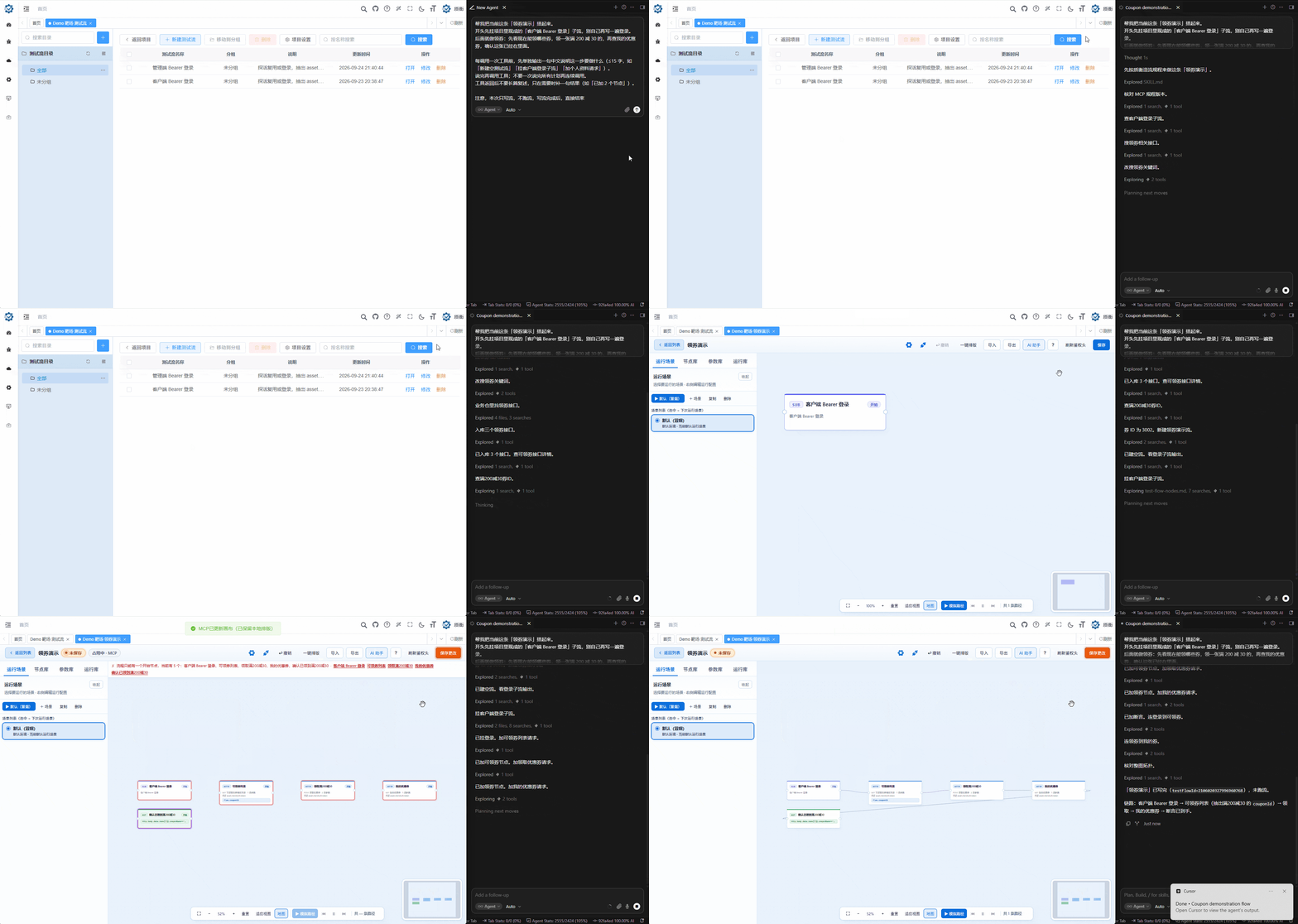
- Enable Allow MCP auto-write in project settings and save
- Reconnect MCP, then create_flow / submit_*
- Confirm the Web canvas synced over SSE
-
Run
Cursor hits Run; failures return to the chat so you can fix them there. Both sides hop to the browser less.
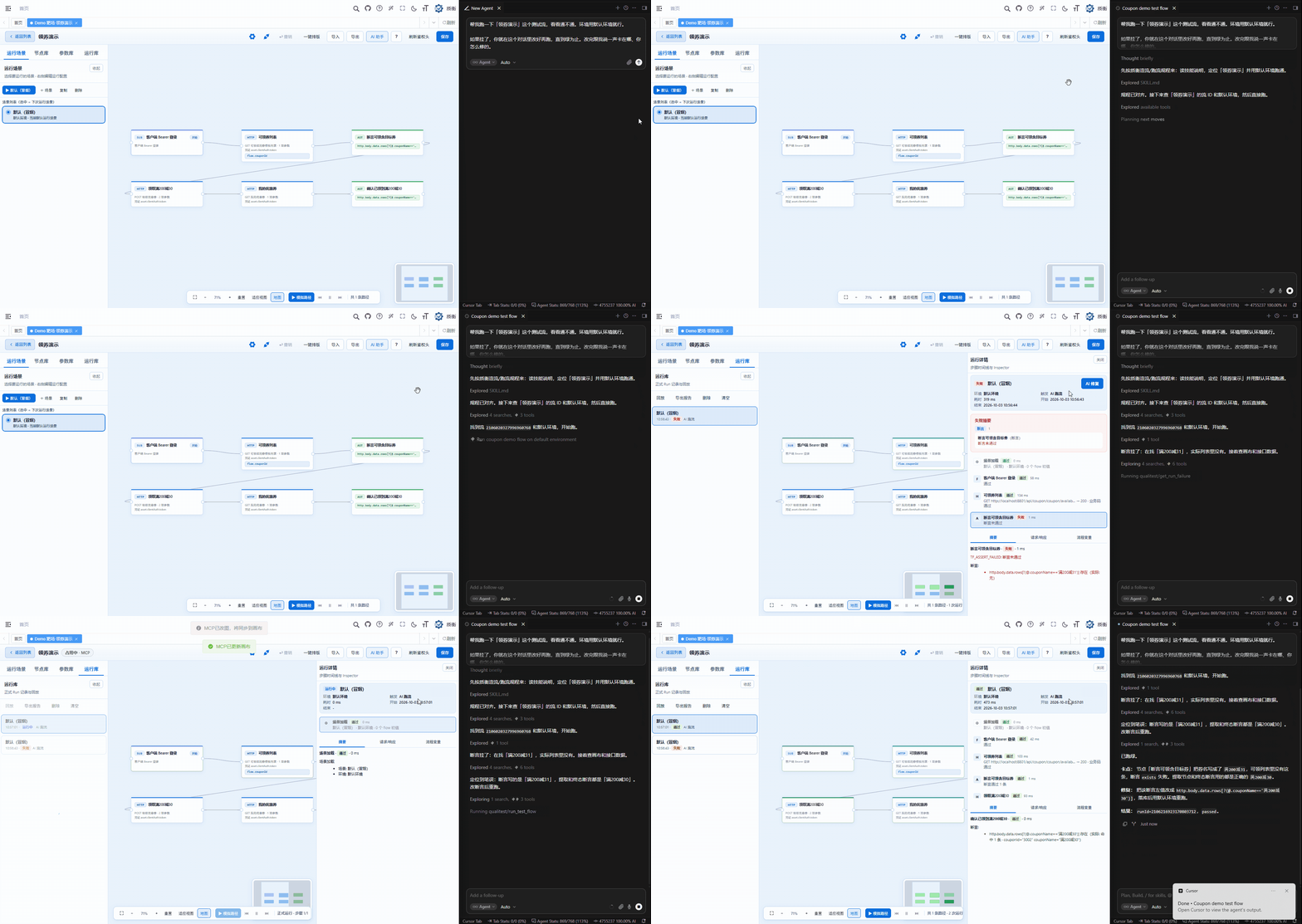
- Also enable Allow MCP auto-run, save, then reconnect
- run_test_flow against the latest graph in the DB
- On failure, get_run_failure and fix in chat